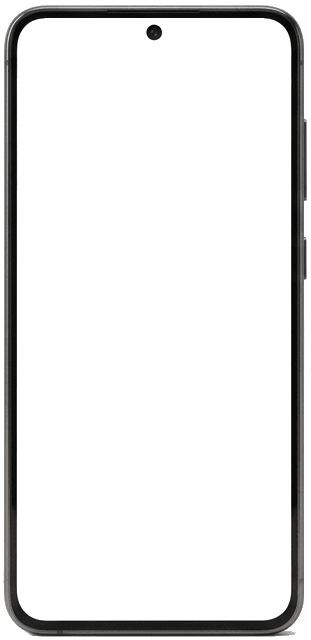
Manage from web or mobile
Use the TapasQR web manager or mobile app to update menus, QR codes, and daily changes from wherever you work.
For restaurant owners and operators, TapasQR keeps your branded menu in one place so you can keep it current for guests.
Guests scan with their phone camera — no TapasQR account or app required.
Create your menu, make it yours, and publish it for guests in three practical steps.
Add your restaurant details, dishes, and menu structure in the TapasQR manager.
Choose a design, add your branding, and prepare the guest experience.
Preview your menu, activate it when ready, and share the QR code with guests.
Manage the menu your restaurant, bar, or café shares with guests from one place.
Use the TapasQR web manager or mobile app to update menus, QR codes, and daily changes from wherever you work.
Create branded QR codes that match your look and feel. Print them on table tents, windows, or menus for a seamless scan-to-menu experience.
Set schedule rules so breakfast, lunch, or weekend menus appear exactly when they should. Stop swapping menus by hand—your menu switches itself based on the time and day.
Choose polished layouts and typography that make your dishes look as good on screen as they do on the plate.
Translate supported menu content into your restaurant's available languages, then review it before publishing. Monthly translation syncs depend on your plan.
Accept online delivery orders from your menu and manage delivery areas, payments, and fulfillment from TapasQR.
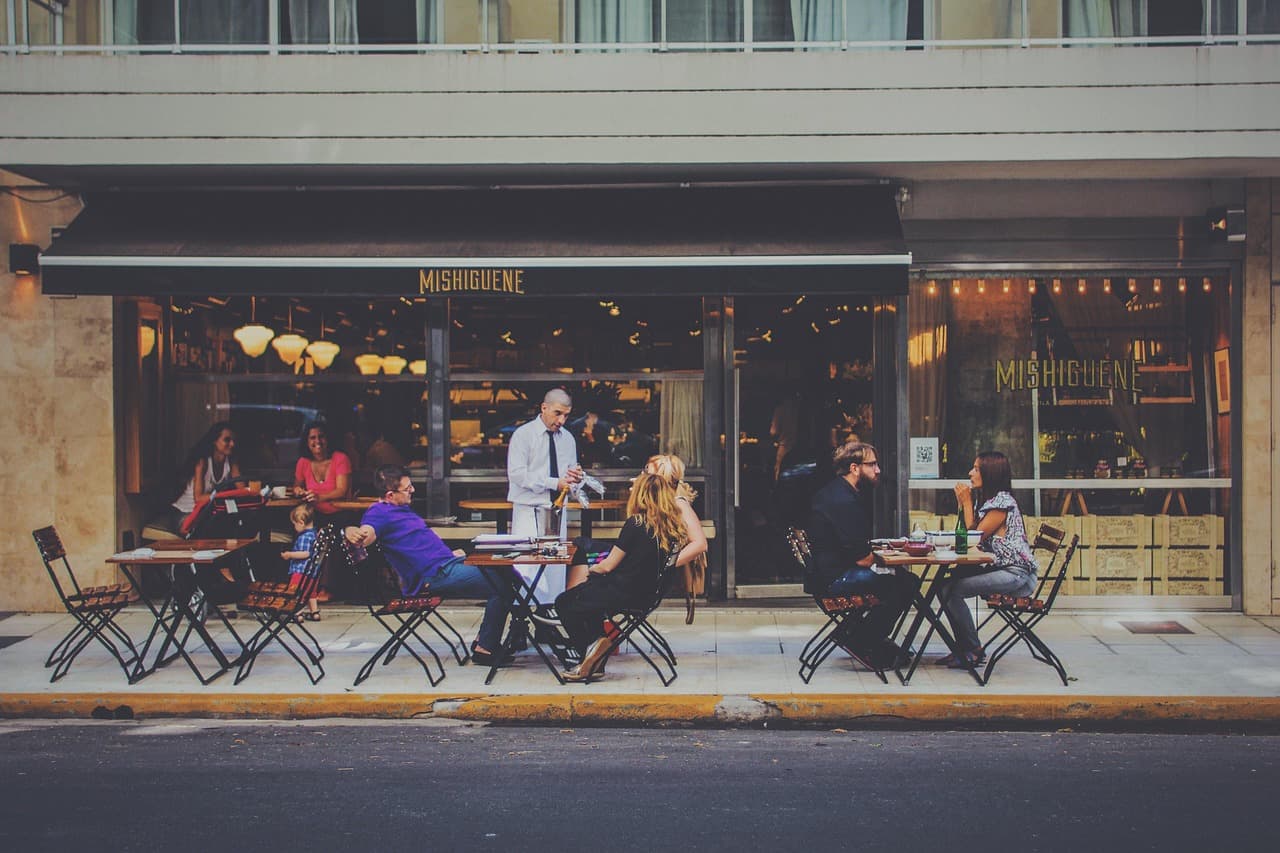
TapasQR fits restaurants, bars, and cafés that want to manage a branded QR menu and guest experience from one workspace.
Scope to know
TapasQR is a menu and guest-experience platform. It is not a POS, inventory, pickup, or in-venue table-ordering system.
See how TapasQR helps you manage the menu, publish the guest experience, and keep restaurant operations moving.
Explore owner capabilitiesExplore a TapasQR sample menu and website preview, then open the live demo to move through the guest journey and selectable design packs.
Frequently Asked Questions
Create an account, add your restaurant, create your menu, choose your design, and publish when the content is ready. You can preview the guest experience before sharing your QR code.
No. Guests can scan your QR code with their phone camera and browse the published menu without a TapasQR account or app.
Yes. Manage changes in one workspace and publish them when they are ready. You control when each update is published.
Yes. Manage your restaurant content in supported languages. TapasQR can provide AI-assisted translations for supported content; review translations before publishing, and available languages or monthly sync limits depend on your plan.
Plans, limits, and pricing are shown on the Pricing page. Delivery is available on every subscription plan; other limits can vary by plan. Contact us if you have a question about your setup.
Use the Contact page to send your question. Existing customers can also use the support paths available in their dashboard; follow-up depends on the request and account.
No. TapasQR focuses on digital menus and guest experiences, with capabilities such as reservations and delivery. It does not replace a POS, inventory, pickup, or in-venue table-ordering system.
Still have a question? Contact us
Join restaurants and venues delivering a better dining experience. Manage and publish from one workspace when your menu is ready.
Create Your Free Account